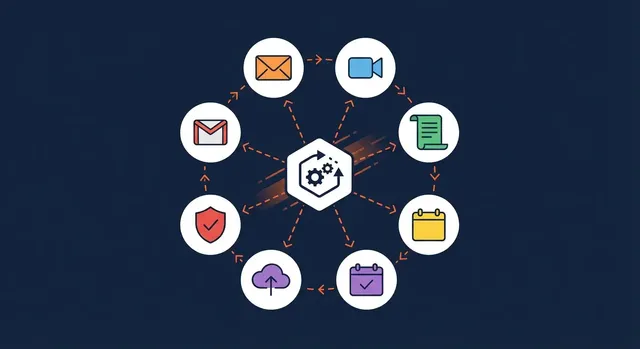

Microsoft 365 is far more than email. Most small businesses pay for licences that include security, backup-adjacent tools and collaboration features they never switch on. Here are five built-in features worth turning on this week, no extra cost required.
1. Multi-factor authentication
The single highest-impact setting you can enable. It blocks the vast majority of account takeover attempts even when a password has been stolen. If you do nothing else from this list, do this.
2. Teams for calls and collaboration
Teams replaces a tangle of separate chat, video and file-sharing apps with one place your staff already have a licence for. Tidy up channels, pin the files that matter, and you cut both cost and confusion.
3. SharePoint instead of email attachments
Storing shared documents in SharePoint means one current version, proper access control and no more chasing the latest copy through an inbox.
Features worth enabling now
- Multi-factor authentication for every user.
- Teams for internal chat, calls and meetings.
- SharePoint or OneDrive for shared files with version history.
- Mailbox retention and litigation hold for important accounts.
- Conditional access policies to limit risky sign-ins.
Get the most from your licences
Configuring all of this safely takes a little know-how, and the wrong setting can lock people out or leave a gap. As a Microsoft Partner we set up, secure and look after Microsoft 365 for small businesses every day. Take a look at our Microsoft 365 support to see how we make sure you actually use what you are paying for.