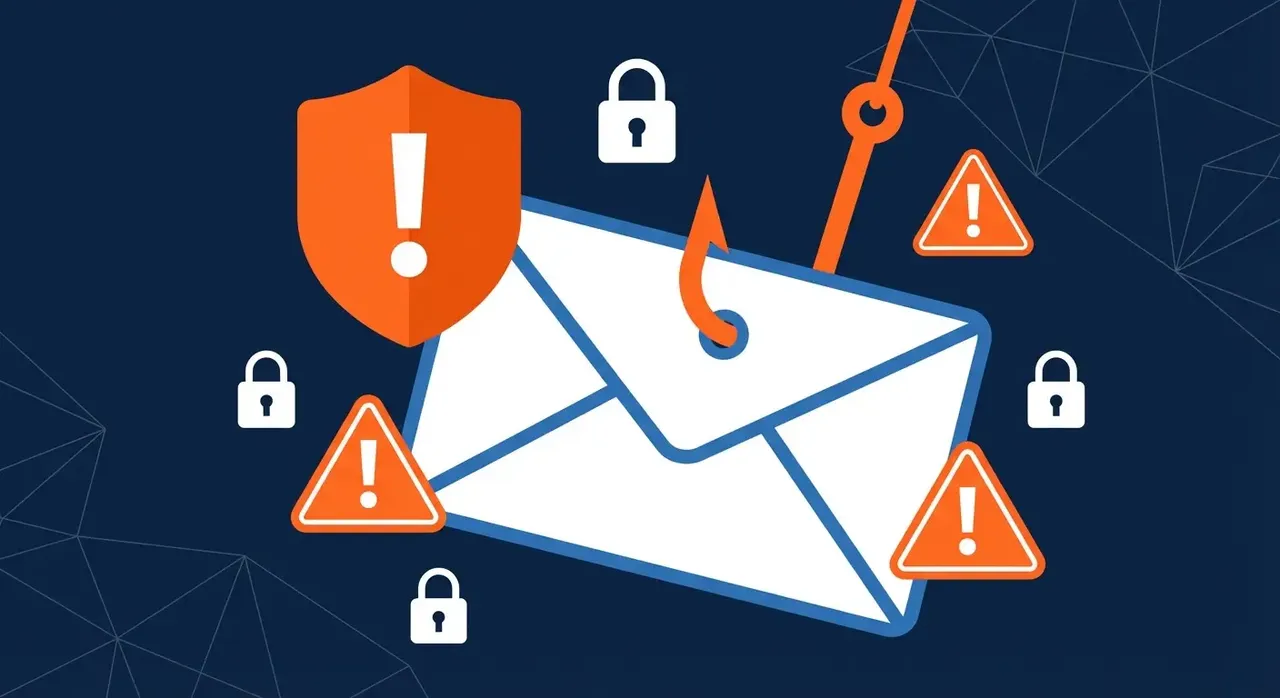
Phishing emails are the number one way criminals break into small business systems. According to the UK government’s Cyber Security Breaches Survey, phishing was the most common type of attack identified by UK businesses, and small companies are just as much at risk as large enterprises.
The good news? Once you know what to look for, most phishing attempts are surprisingly easy to spot.
What Is a Phishing Email?
A phishing email is a fraudulent message designed to trick you into revealing sensitive information, passwords, bank details, or login credentials, or into clicking a malicious link that installs malware on your device.
Attackers often impersonate trusted organisations: HMRC, Microsoft, your bank, or even a colleague or supplier.
7 Warning Signs of a Phishing Email
1. The sender’s email address doesn’t match the organisation
Look carefully at the actual email address, not just the display name. A phishing email might show “HMRC, Do Not Reply” as the sender name, but the actual address could be `noreply@hmrc-refund-portal.net`.
Legitimate organisations always use their official domain (e.g. `@hmrc.gov.uk`).
2. Urgent or threatening language
Phishing emails create panic to make you act without thinking:
- “Your account will be suspended in 24 hours”
- “Immediate action required, unusual sign-in detected”
- “You owe a tax penalty, pay now to avoid prosecution”
Genuine organisations rarely demand immediate action via email.
3. Suspicious links that don’t match the text
Hover over any link (without clicking) to see the real URL. If the link text says “Click here to verify your account” but the URL shown is something like `http://secure-microsoft-login.xyz/verify`, do not click it.
4. Unexpected attachments
Never open attachments you weren’t expecting, especially `.zip`, `.exe`, `.doc` or `.pdf` files. Ransomware and malware are frequently delivered this way.
5. Poor spelling and grammar
Professional organisations proofread their communications. Unusual phrasing, odd capitalisation, or clumsy sentences are classic phishing giveaways, though more sophisticated attacks are increasingly well-written.
6. Requests for sensitive information
No legitimate organisation will ask you to confirm passwords, banking details, or National Insurance numbers via email. Ever.
7. The email doesn’t address you by name
Generic greetings like “Dear Customer” or “Dear User” suggest a mass phishing campaign rather than a genuine communication from an organisation that knows you.
What to Do If You Receive a Phishing Email
1. Don’t click anything, not links, not attachments, not unsubscribe buttons
2.
Report it
, forward to your IT support team or report to the NCSC at
3. Delete it from your inbox and Deleted Items folder
4. Tell your colleagues, if one person was targeted, others probably were too
What to Do If You’ve Already Clicked
Act fast:
1. Disconnect from the internet if you think malware may have been installed
2. Change your passwords immediately, especially for email, banking, and any accounts you access at work
3. Enable multi-factor authentication (MFA) on critical accounts
4. Contact your IT support team straight away, HGC IT is available 24/7
5. Report the incident to Action Fraud (www.actionfraud.police.uk)
How to Protect Your Business from Phishing Attacks
Spotting phishing emails is important, but your business also needs layers of technical protection:
- Email filtering that blocks suspicious messages before they reach inboxes
- Multi-factor authentication on all accounts (especially Microsoft 365 and email)
- Staff awareness training, the human firewall is your strongest defence
- DNS filtering to block access to known malicious websites
- Managed cybersecurity services that monitor for threats around the clock
HGC IT provides comprehensive cybersecurity services for UK small businesses, including email filtering, MFA setup, and staff security awareness training. We also offer managed IT support to keep your systems protected every day.
Get Expert Cybersecurity Support
If you’re concerned about your business’s exposure to phishing and other cyber threats, our team can carry out a free IT security review. We’ll identify the gaps and recommend practical, affordable steps to protect your business.
Get in touch: hello@hgcit.co.uk | hgcit.co.uk